No watermark
Your stream goes out clean to every platform. No third-party logos over your content.
No watermark. From your PC. No middleman servers or third-party bandwidth.
Windows·Mac
This is Muxlyve sending your signal to Twitch, Kick, YouTube and TikTok at the same time, no watermark, no cloud dependency.
Point OBS, Streamlabs, XSplit, vMix, N.Air or any RTMP/S encoder at Muxlyve as the output server.
Link Twitch, Kick and YouTube with one click (OAuth), or paste your TikTok key.
One single signal, no re-encoding, no watermark, and no dependence on a third-party server.
Reaching Twitch, Kick, YouTube and TikTok at the same time usually means paying a service that slaps its logo on your video. Muxlyve does it from your own machine, clean and secure.
Your stream goes out clean to every platform. No third-party logos over your content.
Video is distributed from your PC, not through a middleman server. More privacy and zero monthly bandwidth fees.
If a platform drops, Muxlyve reconnects it on its own without cutting off your other destinations.
See exactly what's going out to each destination before and during the stream.
Fair price, no charges per hour streamed.
Connect it as a destination from OBS, Streamlabs, XSplit, vMix, N.Air or any RTMP-speaking encoder. You don't change your workflow, you multiply it.
Pick destinations and a time, and Muxlyve starts on its own. No need to be there at the exact moment.
Read guide →When you finish, an automatic summary: duration, peak viewers per platform, chat messages and average bitrate per destination.
Save combinations of enabled destinations ("Twitch only", "Everything"), each with its own title and stream category. One click switches it all. Up to 6 profiles.
Read guide →Automatic log of every real stream: date, duration, platforms and peak viewers. 100% local, no account or cloud, last 100 sessions.
Twitch and Kick messages in one place. Reply to both platforms and moderate (timeout, ban) without switching tabs — moderation currently on Twitch only.
Read guide →Add the chat as a Browser source in OBS, with a transparent background, right over your stream.
Read guide →Circular buffer (30s/1min/2min) to save what just happened, and a full recording of the whole stream to a file — each with its own switch.
Read guide →Moderators (or you) type "!clip" and a buffer clip is saved instantly, without leaving the game.
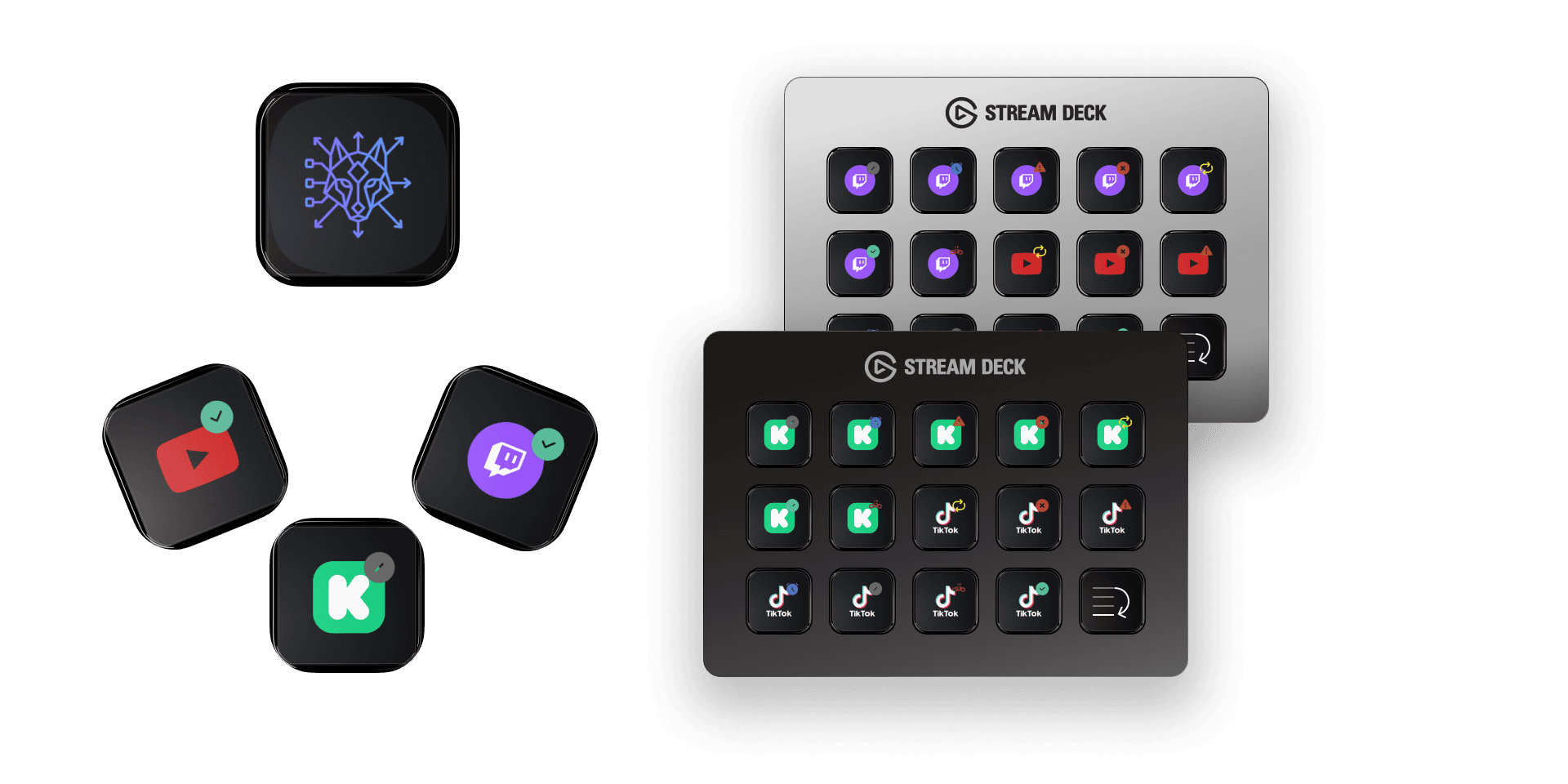
Read guide →Turn destinations on, trigger the buffer and save clips from physical buttons, without touching the keyboard.
See plugin →Control destinations, chat and Stream Deck from another machine on your network, with a secure access token.
Read guide →The interface detects your system language automatically. You can change it anytime.
Configurable message when you go live AND when you finish — up to 3 Discord webhooks and 3 Telegram bots at once, each event with its own text.
Read guide →If it doesn't detect real audio for 20 seconds while you're live, it warns you with a native system notification. Can be disabled.
Download destinations and settings into a password-encrypted .mux file. Handy for switching PCs or replicating your setup on another machine, in one click.
Plugins inside OBS depend on OBS actually running and on what OBS allows. Muxlyve is a separate app: it receives any RTMP signal (from OBS, Streamlabs, XSplit, vMix, N.Air or a hardware encoder) and forwards it without re-encoding. Control everything, even from another machine on your network.
Twitch, Kick, YouTube and TikTok with direct integration. Plus, add any custom destination over rtmp://, rtmps:// (encrypted RTMP) or srt:// — useful for private servers or your own CDN.
Control your destinations live, trigger the buffer and save clips from physical buttons, without touching the keyboard.
Every plan includes watermark-free streaming to all 4 platforms.